Cyberpunk 2077 on RTX 2060 and 2060 Super: My 2026 Settings
RTX 2060 and RTX 2060 Super Cyberpunk 2077 settings: use FSR 2.1 Balanced at 1080p, skip ray tracing, and keep Night City playable.
I still keep an RTX 2060 in a spare rig, and in 2026 it feels like a vintage sports car: loud, hot, and weirdly charming. The RTX 2060 and RTX 2060 Super are not going to win beauty contests against whatever shiny RTX 50-series card is sitting on a store shelf, but they can still run Cyberpunk 2077 with the 2.0+ updates. The trick is to treat the graphics menu like a buffet, not a boss fight. Stop chasing ray tracing. Accept FSR. Keep your resolution honest at 1080p, even if some preset table whispers 2560 x 1440 into your ear.
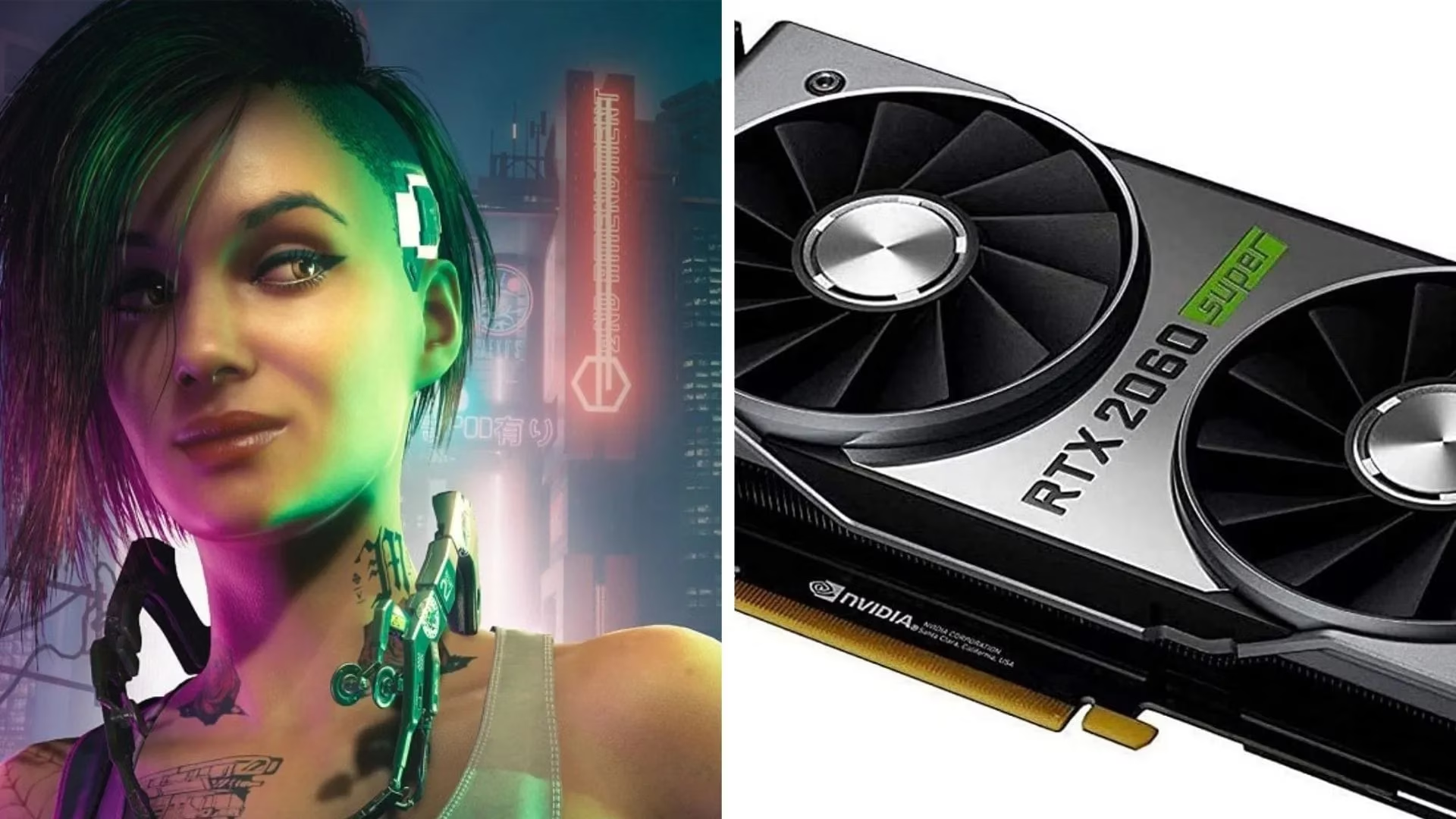
The settings below started as a solid Cyberpunk 2077 2.0 baseline. In 2026, I still use them because CD Projekt Red has mostly polished the game rather than magically turning a 6 GB Turing GPU into a frame-generation monster. If your version of the game has extra upscaling options, test them after you get a stable baseline. Do not start with path tracing and then cry into your keyboard. I have done that. It does not help.
RTX 2060 settings that keep Night City playable
Here is my go-to RTX 2060 preset. It is a mix of high and medium settings, with FSR 2.1 Balanced doing the heavy lifting. Yes, the table says 2560 x 1440, but I would run 1920 x 1080 unless you enjoy watching a slideshow of V's jacket.
| Setting | Value |
|---|---|
| Quick preset | Custom |
| Texture quality | High |
| DLSS frame generation | N/A |
| DLSS Super Resolution | N/A |
| Nvidia DLAA | Off |
| Dynamic resolution scaling | Off |
| AMD FidelityFX Super Resolution 2.1 | Balanced |
| AMD FSR 2.1 image sharpening | 0.20 |
| Intel Xe Super Sampling 1.1 | Off |
| Field of view | 80 |
| Film grain | On |
| Chromatic aberration | On |
| Depth of field | On |
| Lens flare | On |
| Motion blur | High |
| Contact shadows | On |
| Improved facial lighting geometry | On |
| Anisotropy | 8 |
| Local shadow mesh quality | High |
| Local shadow quality | Medium |
| Cascaded shadows range | Medium |
| Cascaded shadows resolution | High |
| Volumetric fog resolution | High |
| Volumetric cloud quality | Ultra |
| Max dynamic decals | Medium |
| Screen space reflection quality | High |
| Subsurface scattering quality | Medium |
| Ambient occlusion | High |
| Color precision | High |
| Mirror quality | Medium |
| Level of Detail (LOD) | High |
| Crowd density | Low |
| Ray tracing | Off |
| Ray-traced reflections | Off |
| Ray-traced sun shadows | Off |
| Ray-traced local shadows | Off |
| Ray-traced lighting | Off |
| Path tracing (Technology preview) | Off |
| Path tracing in photo mode (Technology preview) | On |
| Monitor | As per your preference |
| VSync | Off |
| Maximum FPS | Off |
| Windowed mode | Fullscreen |
| Resolution | 2560 x 1440 |
| HDR mode | As per your preference |
| Nvidia Reflex Low Latency | On + Boost |
The 2060 has 6 GB of VRAM, which in 2026 is the GPU equivalent of bringing a spoon to a sword fight. High textures are usually fine, but Ultra textures can cause stutter when you drive through a crowded market. Crowd density stays low because Night City's pedestrians are lovely and also expensive. Ray tracing stays off because turning it on is how you discover new meanings of the word regret.
RTX 2060 Super settings for a few extra frames
The RTX 2060 Super is the slightly stronger sibling. It is not a miracle worker, but it lets me nudge a few settings up without turning the frame counter into a sad little number. I still keep FSR 2.1 Balanced on, because free performance is free performance.
| Setting | Value |
|---|---|
| Quick preset | Custom |
| Texture quality | High |
| DLSS frame generation | N/A |
| DLSS Super Resolution | N/A |
| Nvidia DLAA | Off |
| Dynamic resolution scaling | Off |
| AMD FidelityFX Super Resolution 2.1 | Balanced |
| AMD FSR 2.1 image sharpening | 0.20 |
| Intel Xe Super Sampling 1.1 | Off |
| Field of view | 80 |
| Film grain | On |
| Chromatic aberration | On |
| Depth of field | On |
| Lens flare | On |
| Motion blur | High |
| Contact shadows | On |
| Improved facial lighting geometry | On |
| Anisotropy | 8 |
| Local shadow mesh quality | Medium |
| Local shadow quality | Medium |
| Cascaded shadows range | High |
| Cascaded shadows resolution | High |
| Volumetric fog resolution | High |
| Volumetric cloud quality | Ultra |
| Max dynamic decals | Medium |
| Screen space reflection quality | High |
| Subsurface scattering quality | Medium |
| Ambient occlusion | High |
| Color precision | High |
| Mirror quality | High |
| Level of Detail (LOD) | High |
| Crowd density | Low |
| Ray tracing | Off |
| Ray-traced reflections | Off |
| Ray-traced sun shadows | Off |
| Ray-traced local shadows | Off |
| Ray-traced lighting | Off |
| Path tracing (Technology preview) | Off |
| Path tracing in photo mode (Technology preview) | On |
| Monitor | As per your preference |
| VSync | Off |
| Maximum FPS | Off |
| Windowed mode | Fullscreen |
| Resolution | 2560 x 1440 |
| HDR mode | As per your preference |
| Nvidia Reflex Low Latency | On + Boost |
The main differences are small but meaningful. The Super gets Mirror quality on High and Cascaded shadows range on High. The regular 2060 drops those to Medium, and its local shadow mesh quality goes to High instead. It is the kind of fine-tuning that sounds boring until you are in a firefight and your frame rate stops doing gymnastics.
Why these settings work in 2026
Cyberpunk 2077 is still one of the prettiest games around, and it is still one of the easiest games to make a mid-range GPU beg for mercy. Here is the logic behind my choices:
-
FSR 2.1 Balanced gives a big performance boost. It is not perfect, but with 0.20 sharpening it avoids looking like a watercolor painting.
-
Textures on High keeps VRAM usage reasonable. On a 6 GB card, that matters more than bragging rights.
-
Crowd density on Low saves CPU and GPU resources. You will still see plenty of people, just not an entire city block's worth of them.
-
Ray tracing off is non-negotiable. The RTX 2060 can technically run some ray tracing, but in Cyberpunk it is a slideshow with extra reflections.
-
Volumetric cloud quality on Ultra is a strange one, but clouds are relatively cheap here compared to shadows and crowds. I will take the pretty sky.
-
Nvidia Reflex On + Boost reduces input lag. In a game where you are often shooting, driving, and panicking, that helps.
-
Motion blur on High is personal. Some people hate it. I leave it on because it smooths out small frame dips and makes Night City feel more cinematic.
-
VSync off and Maximum FPS off let Reflex do its job. If you get screen tearing, turn VSync on and accept the trade-off.
For 2026, my practical advice is simple: run these cards at 1920 x 1080 if you want consistent performance. The 2560 x 1440 entry in the preset is optimistic for a 60-class Turing GPU in a game this heavy. If you insist on 1440p, keep FSR Balanced, drop crowd density to Low, and avoid ray tracing like it owes you money. The 2060 Super can handle 1440p a little better, but it still needs help.
Also, do not ignore your CPU. Night City is busy, and a weak processor can cause stutter even when your GPU settings look reasonable. Close background apps, update your drivers, and make sure your RAM is running at a sensible speed. I know that is not as fun as arguing about DLSS, but it is true.
In the end, the RTX 2060 and RTX 2060 Super are aging, but they are not dead. With the right mix of medium and high settings, FSR Balanced, and a healthy respect for the phrase ray tracing off, Cyberpunk 2077 is still very playable. It may not look like a next-gen showcase, but it looks good enough to make you forget you are running a GPU that predates some of the game's patches. And honestly, that is a win.